
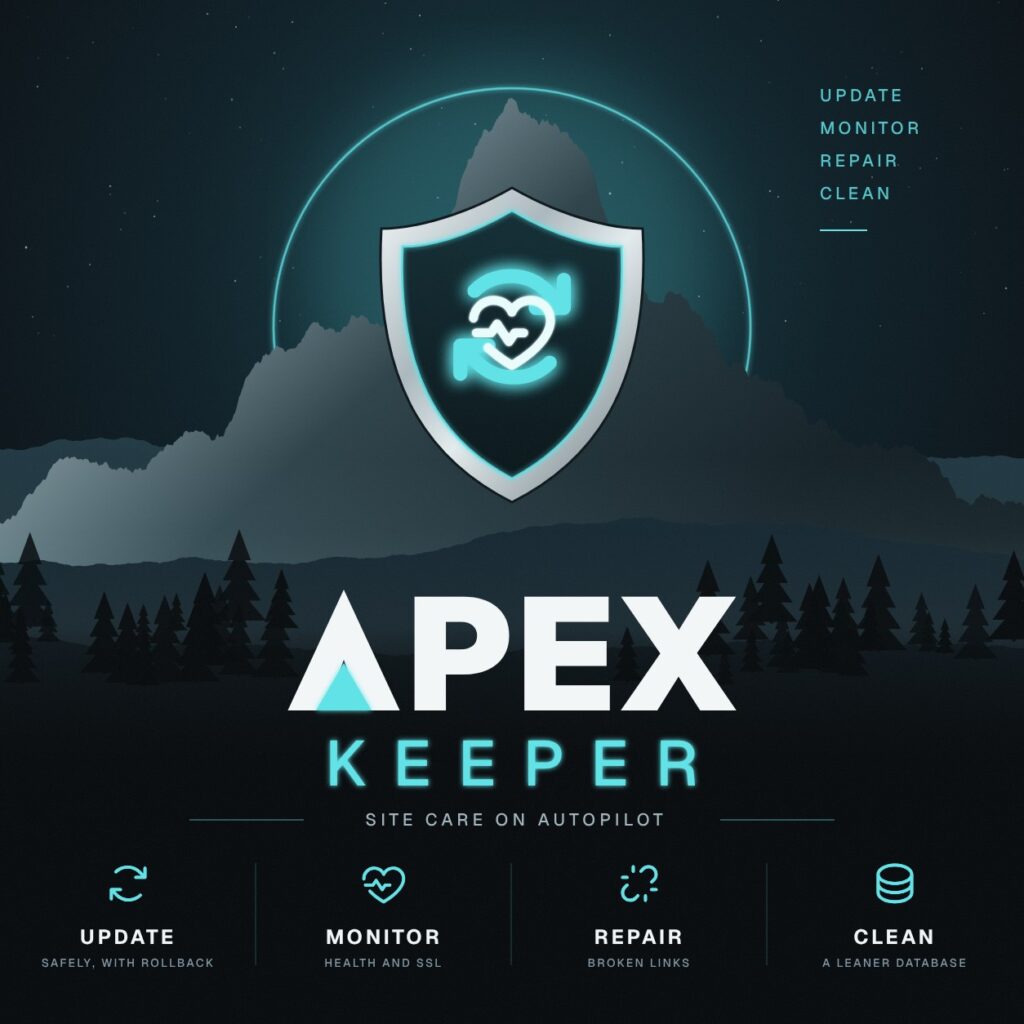
Apex Keeper
Site care on autopilot: safe updates with automatic rollback, health and SSL checks, broken link repair, database cleanup and client care reports.
- GPL licensed
- 1 year of updates
- Direct support
- Renew anytime
What you get
Apex Keeper handles the routine upkeep every WordPress site needs, and makes updates safe. Before each plugin or theme update it takes a snapshot. Afterwards it checks that the site still loads. If the update broke anything, the old version goes straight back and you get an email. Your client never sees the error.
What’s inside
- Safe updates. Snapshot, update, check, and automatic rollback if the site breaks. Run them now, or on a weekly schedule with an email summary. Roll back to any saved snapshot by hand too.
- Health checks. Hourly checks that the site loads and how fast, a daily SSL expiry check, fatal error counts, disk space and versions, plus an alert when something fails twice in a row.
- Broken link finder. Links in your content are checked a small batch at a time every hour, so the site never slows down. Each broken link shows the page it’s on, with a link straight to the editor.
- Database cleanup. Clears old revisions, stale auto-drafts, old trash, spam, expired transients and orphaned data, now or every Monday.
- Care reports. Weekly or monthly emails for your clients: updates installed, checks passed, load time, SSL and links. If Apex Sentinel is installed, its security score is included too.
- White label. Rename the plugin and add your agency name, logo and colors.
Pair it with Apex Sentinel and you have a full care plan to sell your clients every month.
Requires WordPress 6.2 or newer and PHP 7.4 or newer.
More like this
more looks on the drawing board
Requirements
- WordPress 6.2 or newer
- PHP 7.4 or newer
- Current version 1.0.0
Install in three moves
- Upload the zip from your account under Plugins, Add New.
- Activate Apex Keeper.
- Paste your license key on its License screen under Settings.

Need it bent
your way?
Custom themes, new features, or setup on your site. Quoted like any project.
Let's Create